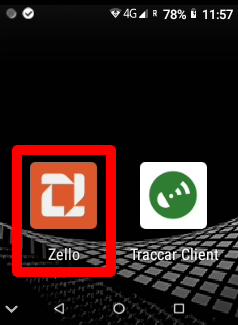
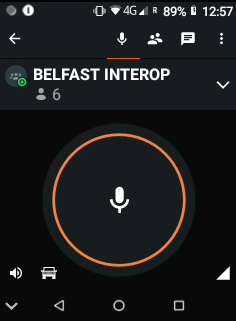
Opening Zello: To start using Zello, tap the Zello icon on the main screen to open the application.
3.1 The Channels: Channels are group communication rooms where multiple users can talk and listen. Think of them like radio channels - when you select a channel, you can hear all conversations on that channel and transmit to everyone listening.
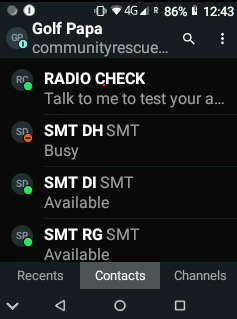
3.2 The Contacts: Contacts show individual users you can communicate with directly. This allows for private one-to-one conversations separate from the main channels. You can see who's online and available to talk.
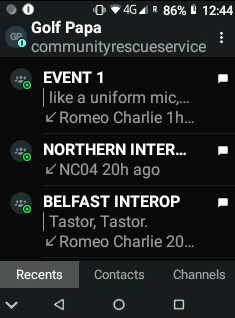
3.3 The Recents: Recents displays your communication history, showing recent channels you've used and contacts you've spoken with. This makes it easy to quickly return to recent conversations and replay missed messages.
3.4 Hearing All Channels: To hear all communications on all channels, go to the Channel list screen. This allows you to hear all comms from every channel. To only hear a channel you are working on, go to the next step, 3.5.
3.5 Entering a Channel: To enter and focus on a single channel, for example Belfast Interop, select the channel to enter it. You can enter a channel either by using the touch screen to tap on the channel name, or by using the channel knob at the top of the device. This will stop all communications from being heard on other channels, allowing you to focus on your selected channel.